
Home | Order/Buy | Question? | Plant & Animal Pedigree | Search | Licence agreement

|
Home | Order/Buy | Question? | Plant & Animal Pedigree | Search | Licence agreement |
|
 |
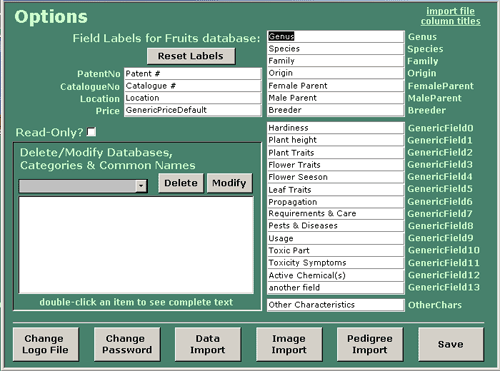
| Unibase - Options The option screen allows you to set various program options to customize the program to your tastes and needs. You are prompted for a password before being allowed to modify the following program settings:
|
|



 sys
sys
