
Home | Order/Buy | Question? | Plant & Animal Pedigree | Search | Licence agreement

|
Home | Order/Buy | Question? | Plant & Animal Pedigree | Search | Licence agreement |
|
 |
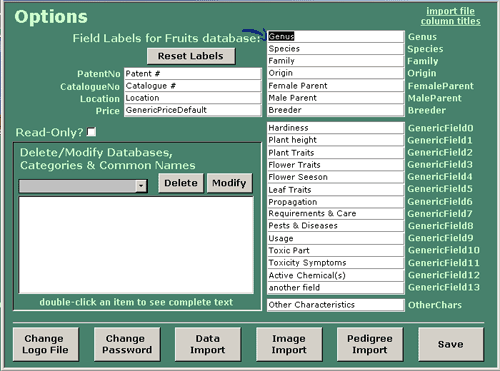
| Modify Field Labels You may change and modify the field name for each
Database using any language of your choice as long as the language is installed in your
OS. The field labels for the database currently in use will be displayed. To change
the labels simply modify the text in the appropriate text box. To restore the default
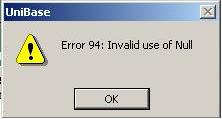
labels for the current database click the ‘Reset Labels’ button. YOU MUST NOT LEAVE A FIELD BLANK since you might get an error
messages (Invalid use of Null). Click Ok and return to fill in the field name.
|
|



 sys
sys
